Designers, retailers, and renovators
How to choose flooring with a room visualizer
A room visualizer helps you compare flooring direction in the actual space, including furniture, wall color, daylight, and the scale of nearby finishes.
Compare direction before detail
Start by testing broad flooring directions such as warm wood, pale tile, terrazzo, concrete, or patterned tile. Once the direction is clear, compare specific products.
- Use the same room photo for each flooring option.
- Keep wall color, cabinetry, and furniture unchanged during the first comparison.
- Name the floor surface clearly in each prompt.
Watch scale and undertone
Flooring can dominate a room because it covers a large surface. Review whether the visualization feels too busy, too cool, too yellow, too dark, or out of scale beside the furniture. For adjacent walls, trims, or cabinets, RenoViz color mode can apply a specific color code or described color so you can compare the floor against a controlled palette.
- Check pattern scale against doors, chairs, and cabinets.
- Compare warm and cool options in the same light.
- Test one bold option against one quieter control option.
Use visual approval as a shortlist
A visualization should help choose what deserves physical review. Final flooring decisions still need samples, durability checks, slip ratings, installation requirements, and supplier availability.
Share the strongest options
When presenting flooring choices, show each option with the same crop and label. This makes the client focus on the material difference instead of photo composition.
Visual examples
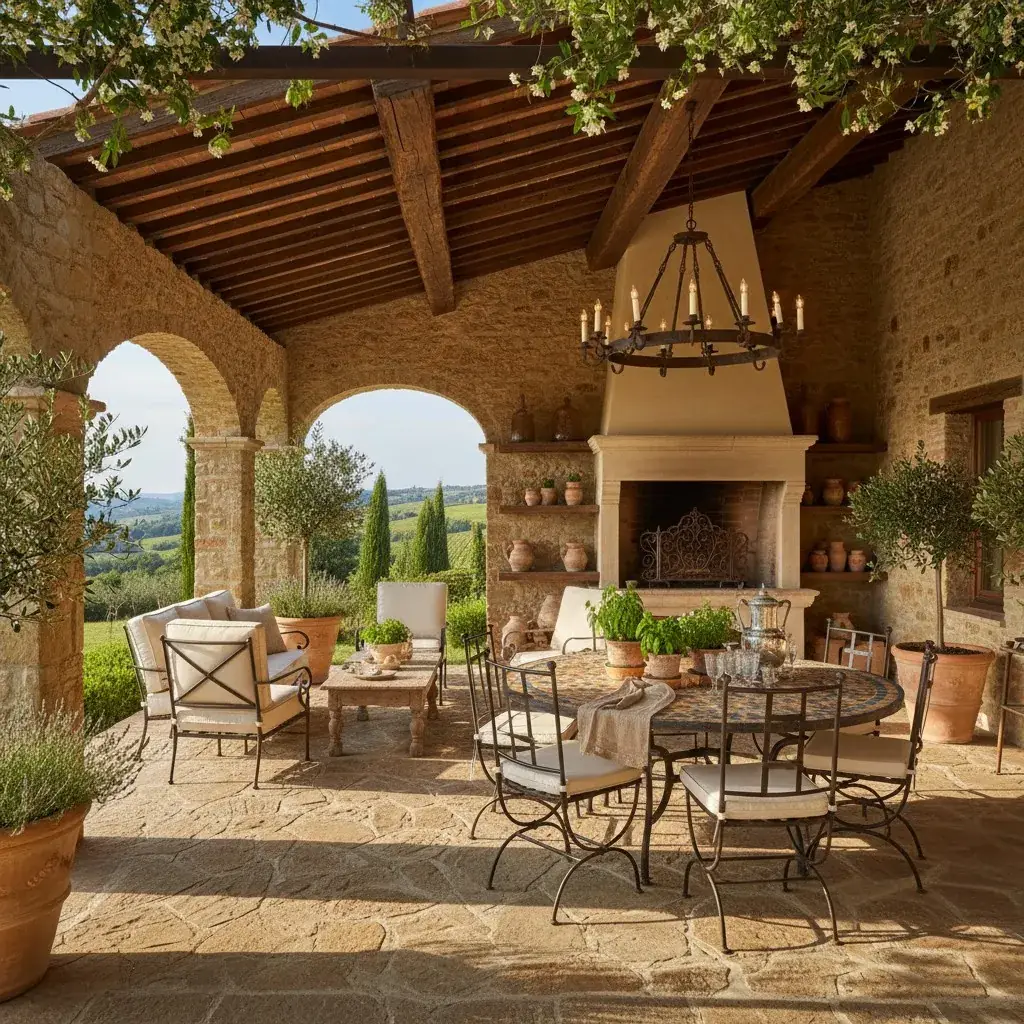
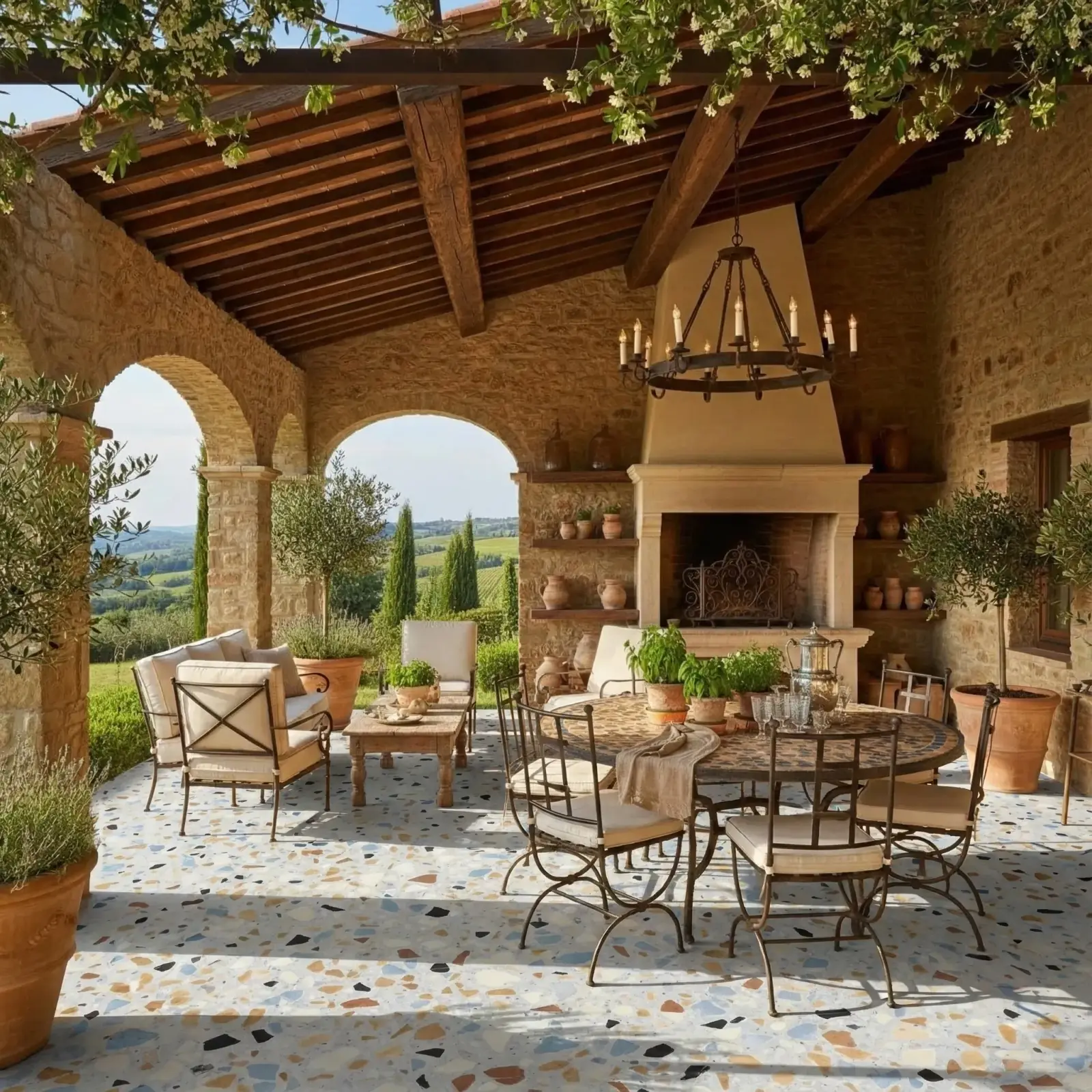
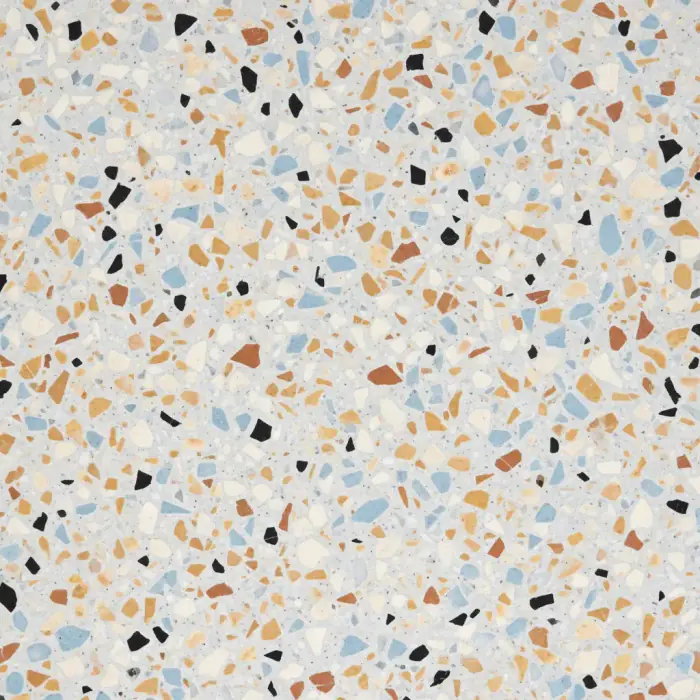
Terrazzo floor
Terrazzo applied to a floor in the photo to compare pattern, brightness, and room balance before sampling.
Terrazzo / Floor
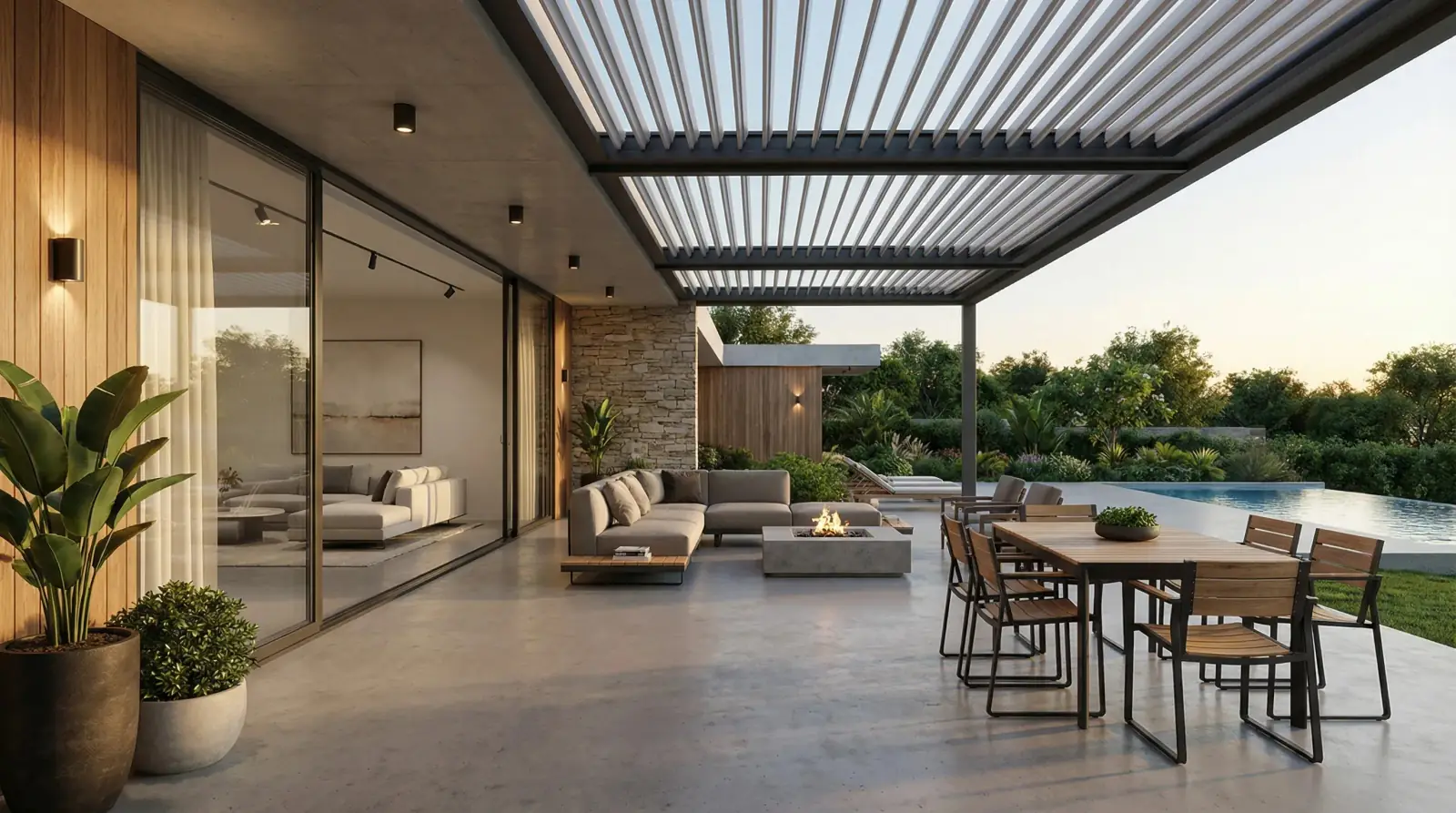
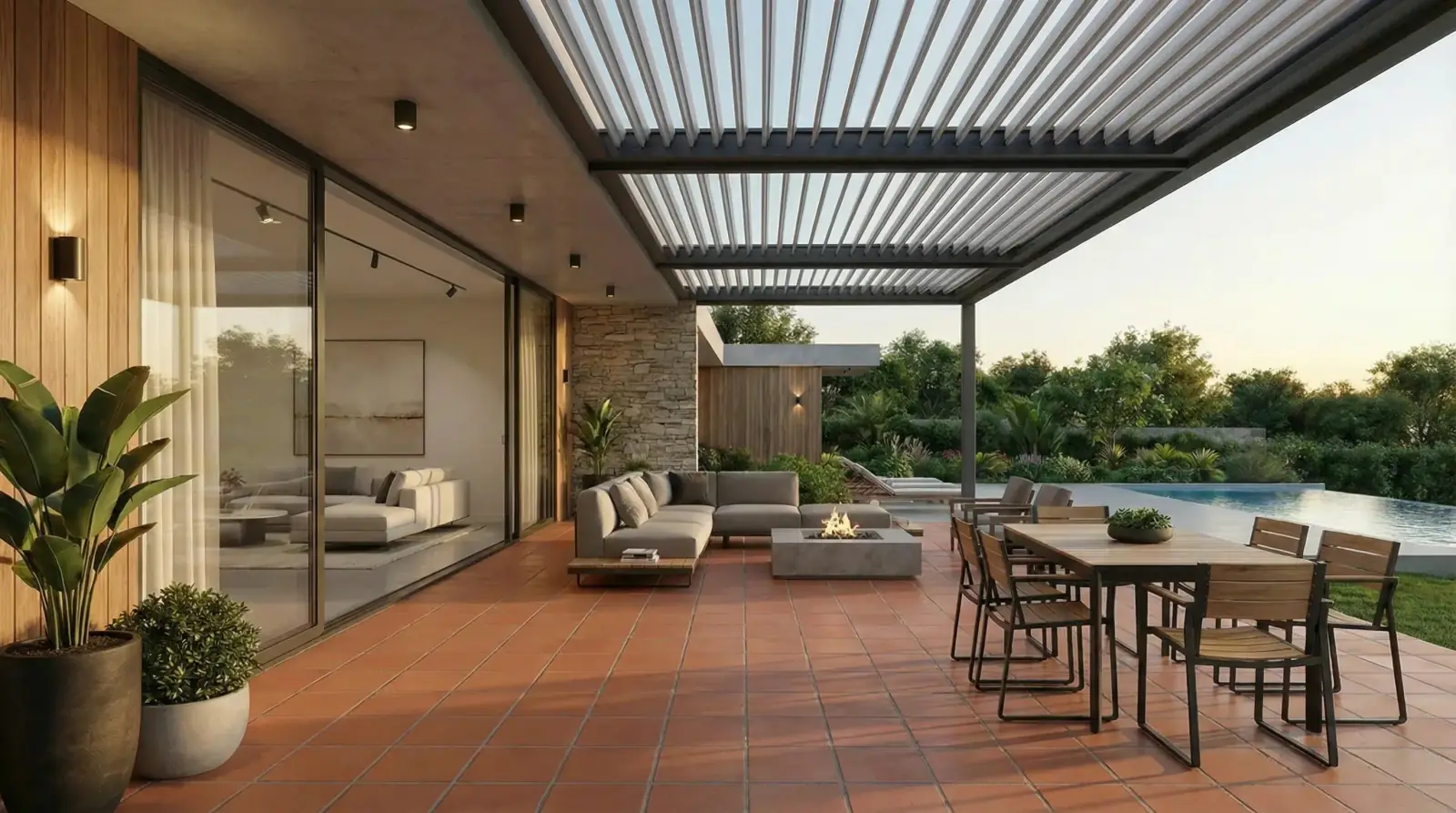
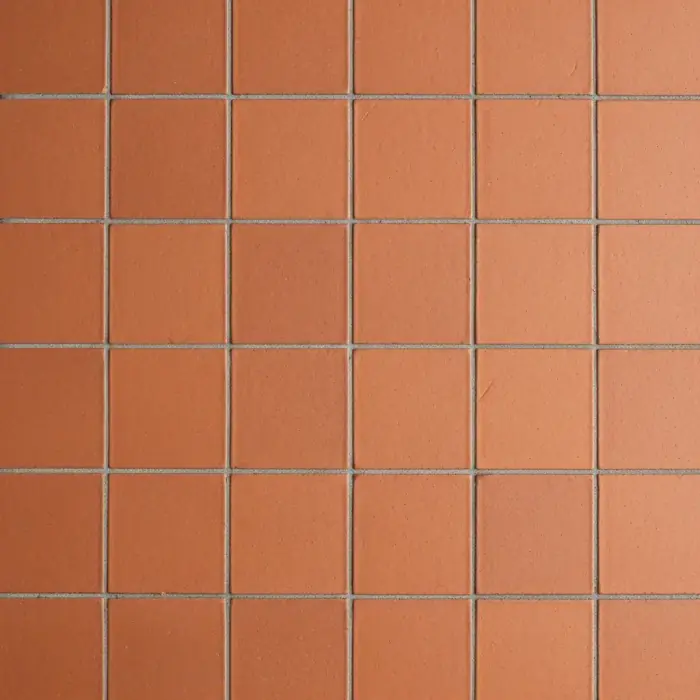
Terracotta patio floor
A warmer tile direction visualized on a covered patio floor for an outdoor living space.
Terracotta tile / Patio floor
Questions
Can a room visualizer help choose between tile and wood flooring?
Yes. It is useful for comparing broad material directions in the same space before narrowing to specific product samples, and color mode can help test nearby paint or cabinetry colors against each floor option.
Will the visualization show exact plank or tile layout?
It can show an approximate visual direction. Final plank direction, tile layout, grout, and transitions should be handled in design and installation documentation.
What room photo works best for flooring?
Use a photo that shows a large portion of the floor, has stable lighting, and includes enough walls or furniture to judge contrast.
Related pages
Try this workflow
Use RenoViz to compare material directions in a real room photo, then confirm final choices with samples and professional review.