Designers, renovators, and flooring retailers
Flooring visualizer for real room photos
Compare floor materials in the room where they will be seen, including lighting, furniture, and wall finishes.
Test floor materials before narrowing the shortlist
A floor finish changes the whole room. RenoViz lets you compare direction before ordering samples or preparing a quote.
Watch scale and pattern direction
Visualization can highlight whether a material direction fits the room, but exact plank, tile, or terrazzo layout still needs review.
Visual examples
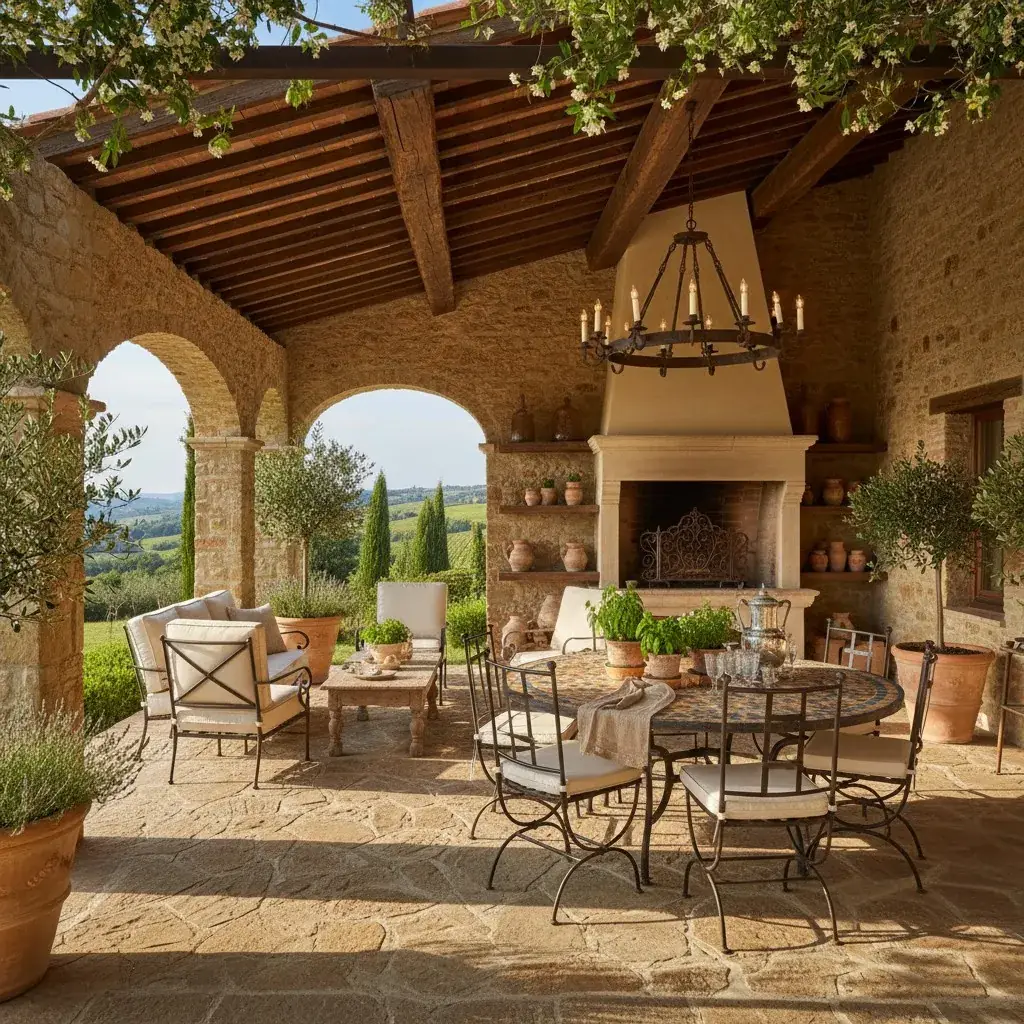
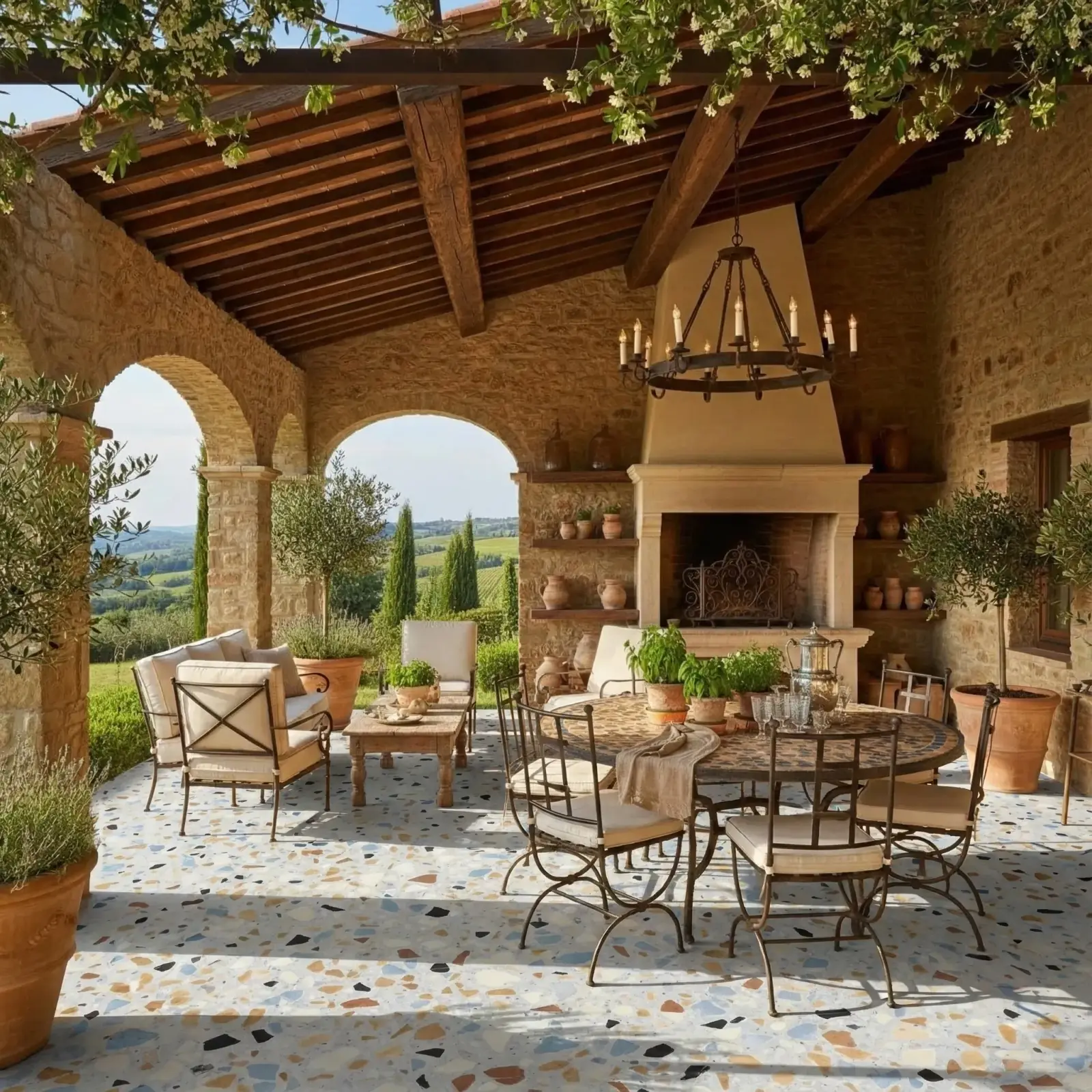
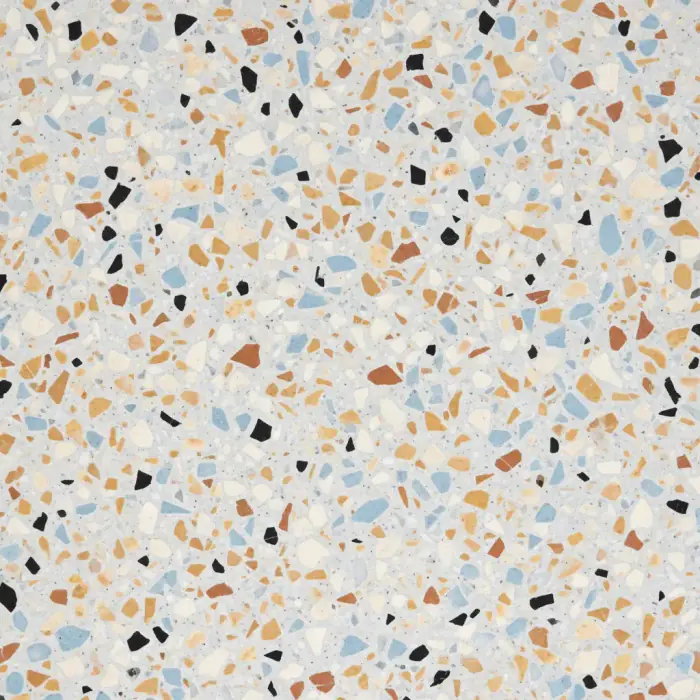
Terrazzo floor
Terrazzo applied to a floor in the photo while preserving surrounding context.
Terrazzo / Floor
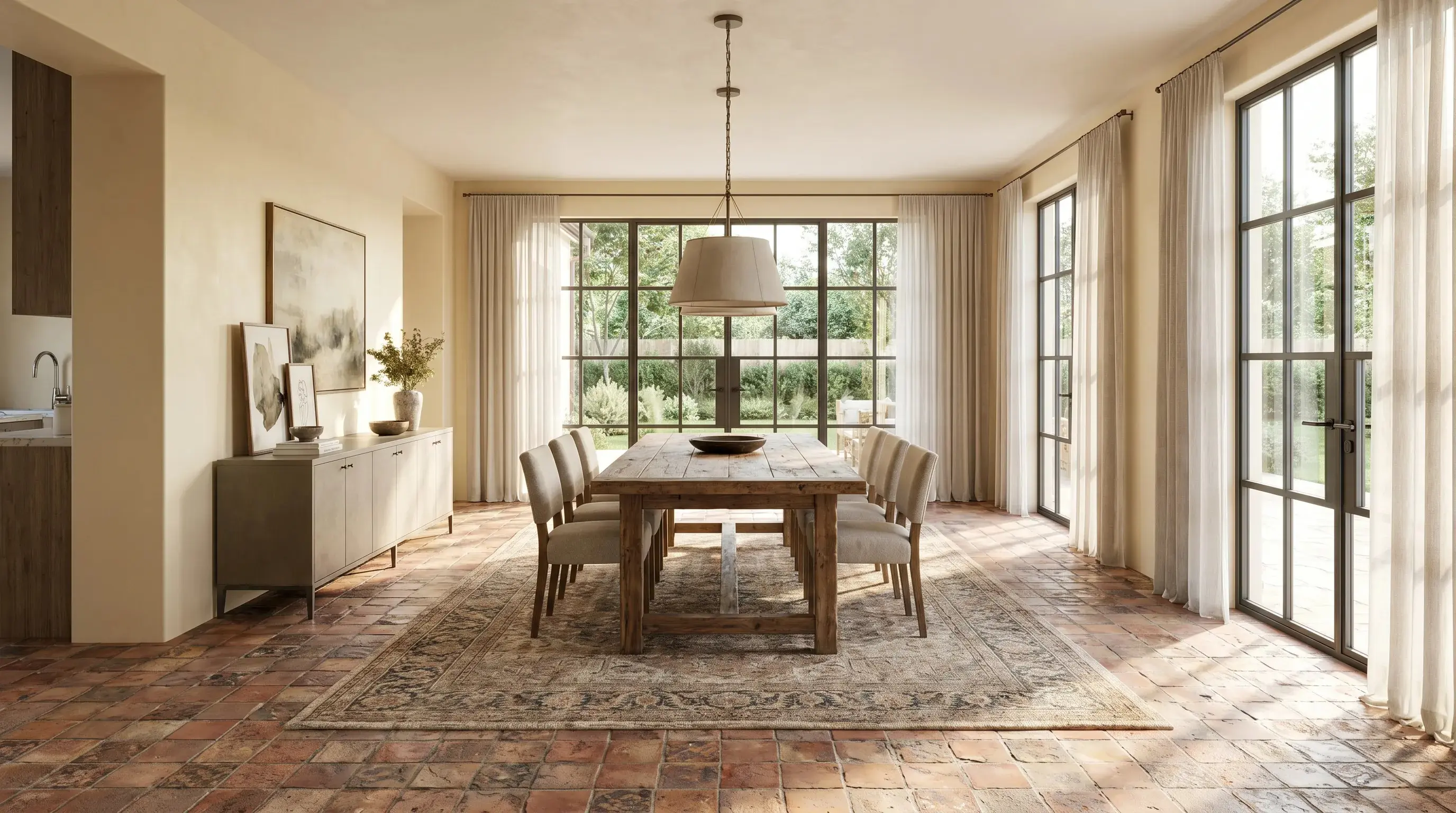
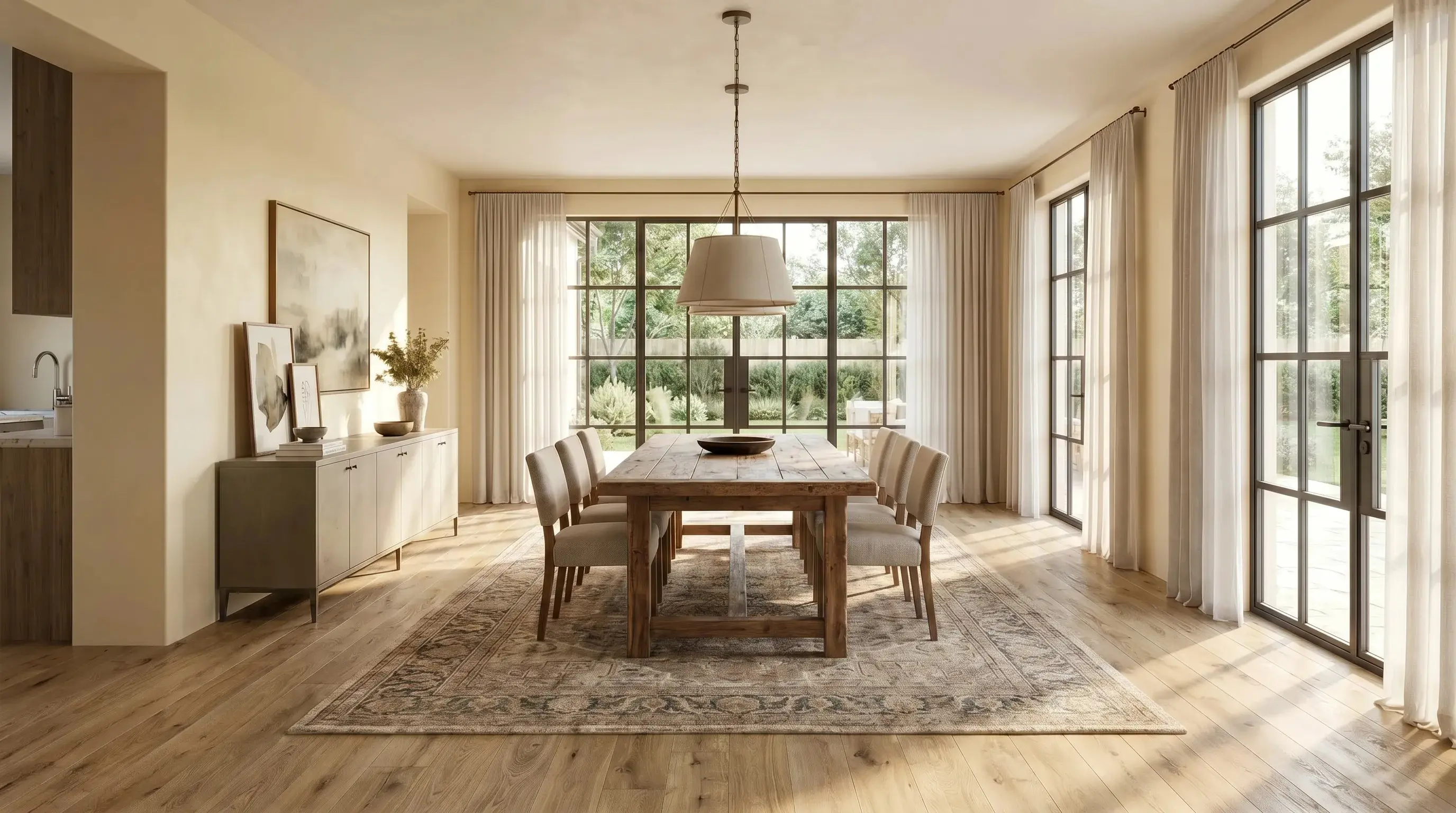
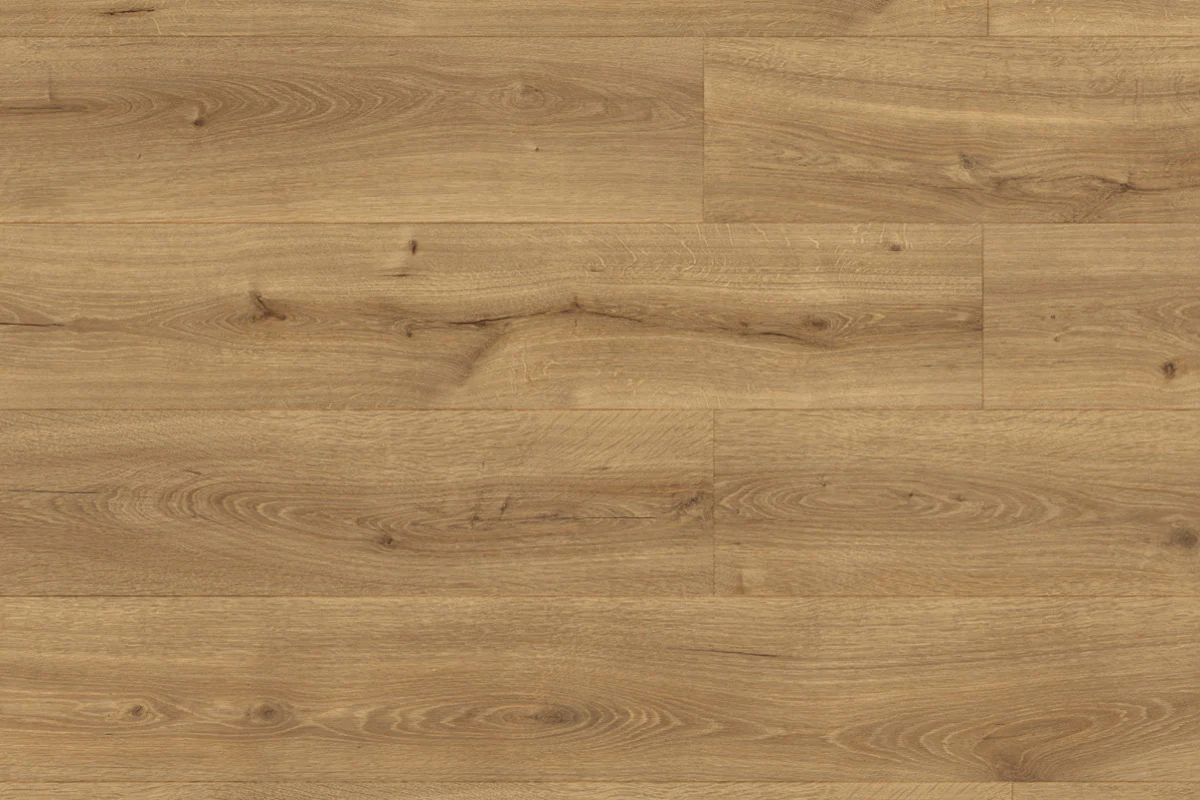
Warm oak dining room floor
A warm oak flooring sample applied to a dining room floor while preserving furniture and daylight.
Warm oak flooring / Dining room floor
Questions
Can RenoViz visualize flooring in an existing room?
Yes. Upload the room photo, add the flooring sample, and choose the floor as the target surface.
Related pages
Try this workflow
Use RenoViz to compare material directions in a real room photo, then confirm final choices with samples and professional review.