Interior designers
AI material visualization for interior designers
Show clients how real finishes can look in their own rooms before they commit to tile, stone, paint, flooring, or fabric.
Move from samples to client-ready visuals
RenoViz helps designers apply material samples to target surfaces in room photos, making finish conversations easier to understand.
- Compare options without rebuilding a manual mockup.
- Keep lighting, context, and surrounding furniture visible.
- Use examples as a discussion aid, not a replacement for design judgment.
Built for approval conversations
Use visualizations to narrow choices before ordering samples, preparing schedules, or asking a client to approve a direction.
Visual examples
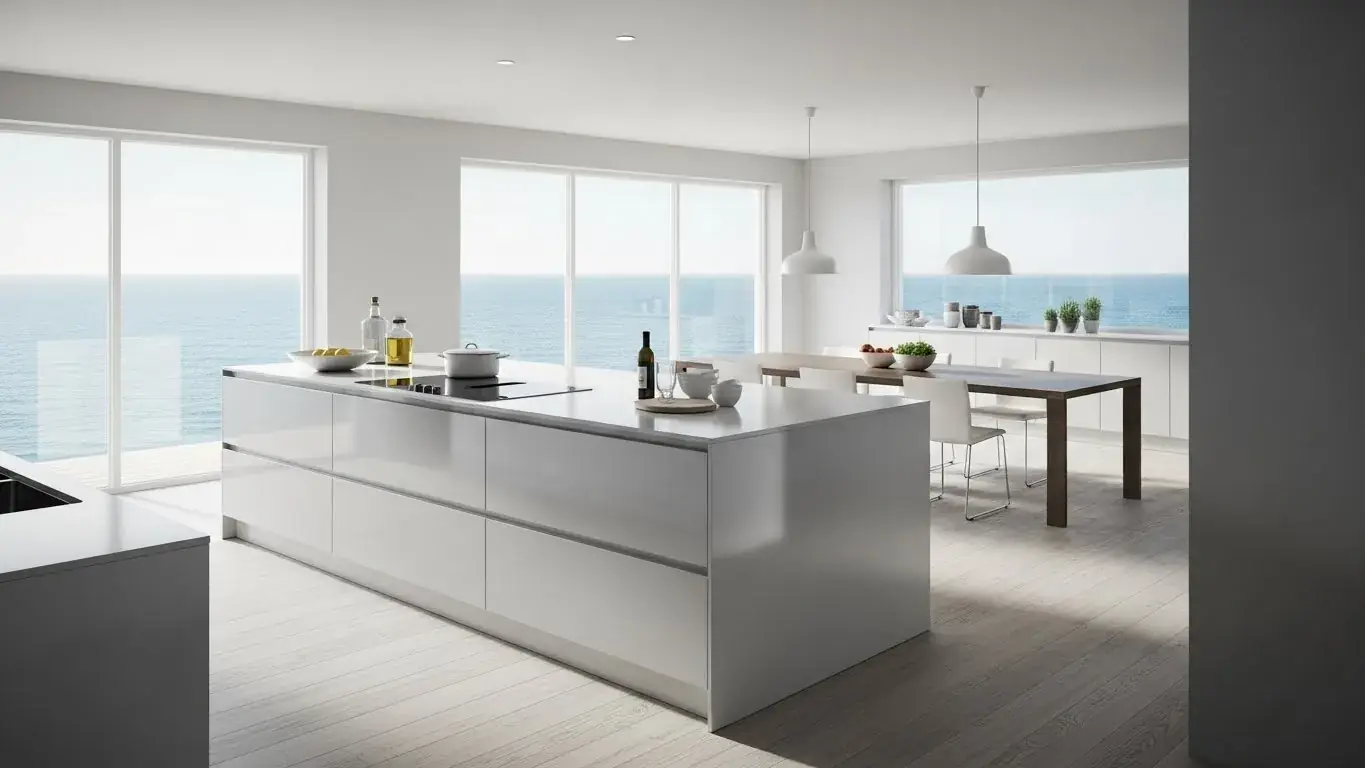
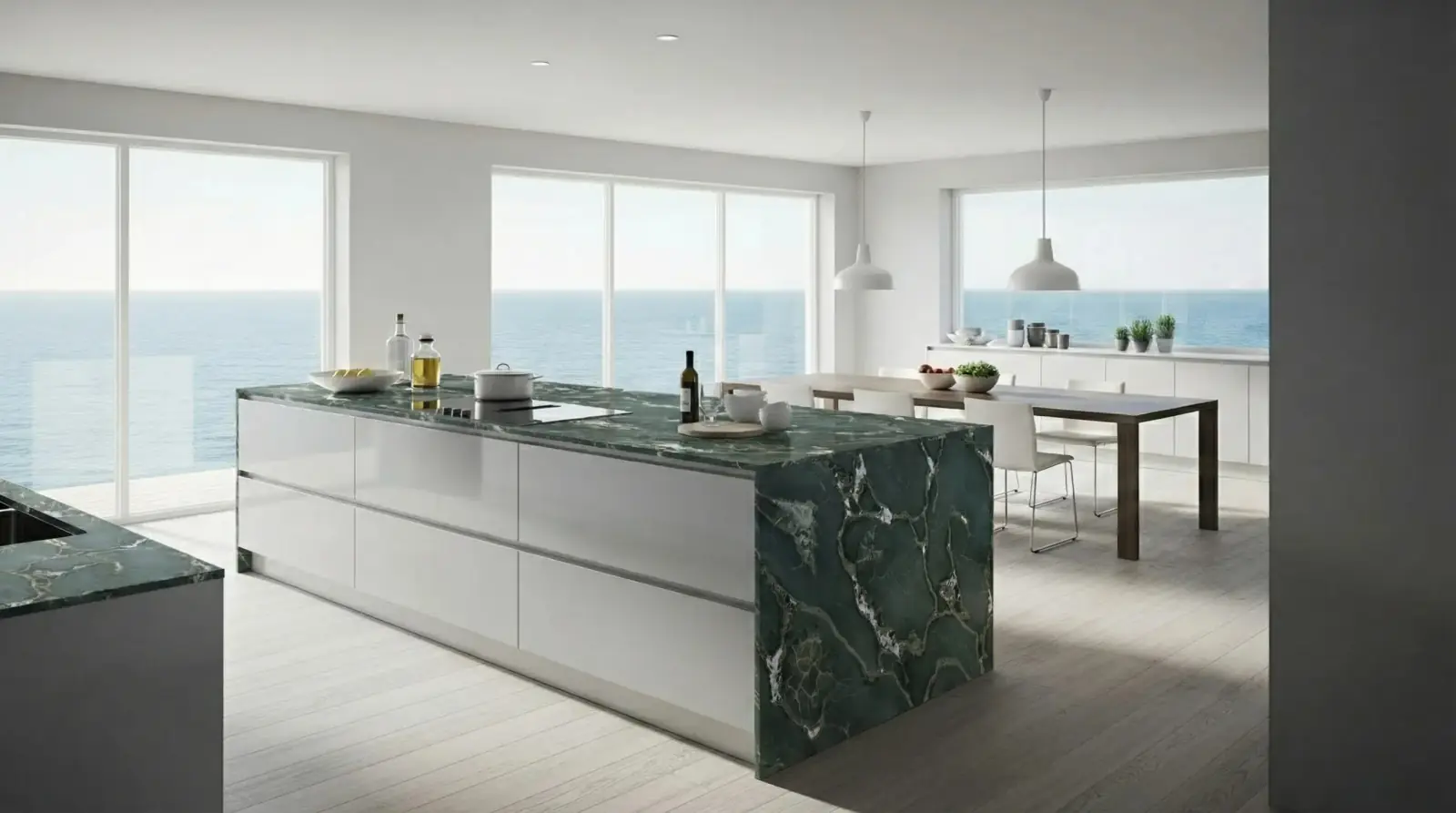
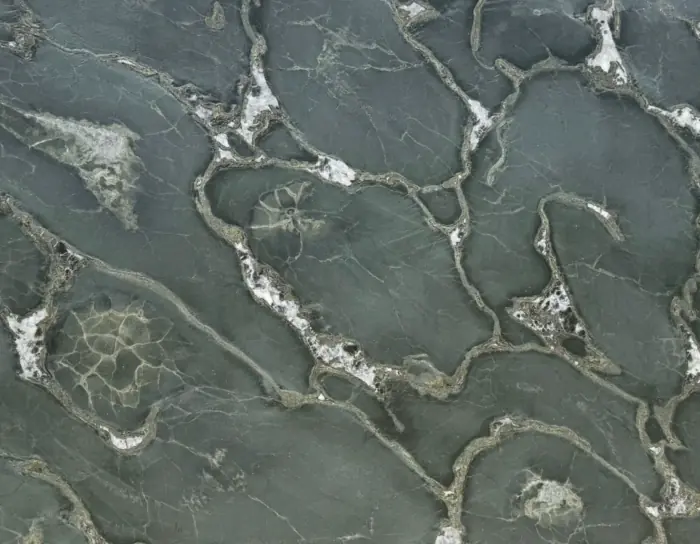
Kitchen island stone option
Safari Green Quartzite applied to a kitchen island photo.
Safari Green Quartzite / Kitchen island
Questions
Can designers use RenoViz for client presentations?
Yes. RenoViz visualizations are useful for explaining finish directions, comparing options, and preparing clients for final material decisions.
Related pages
Try this workflow
Use RenoViz to compare material directions in a real room photo, then confirm final choices with samples and professional review.