Designers, retailers, and renovators
Kitchen material visualizer
Test kitchen islands, floors, counters, and other finishes in a room photo before committing to a material direction.
See kitchen finishes in context
Kitchen materials look different once they sit beside cabinets, floors, lighting, and appliances. RenoViz keeps that context visible.
- Apply a sample to a chosen kitchen surface.
- Compare stone, terrazzo, tile, paint, and wood effects.
- Review lighting and surrounding context before narrowing options.
Understand the limits
AI visualizations are decision-support images. Always review physical samples for exact color, veining, pattern scale, and finish.
Visual examples
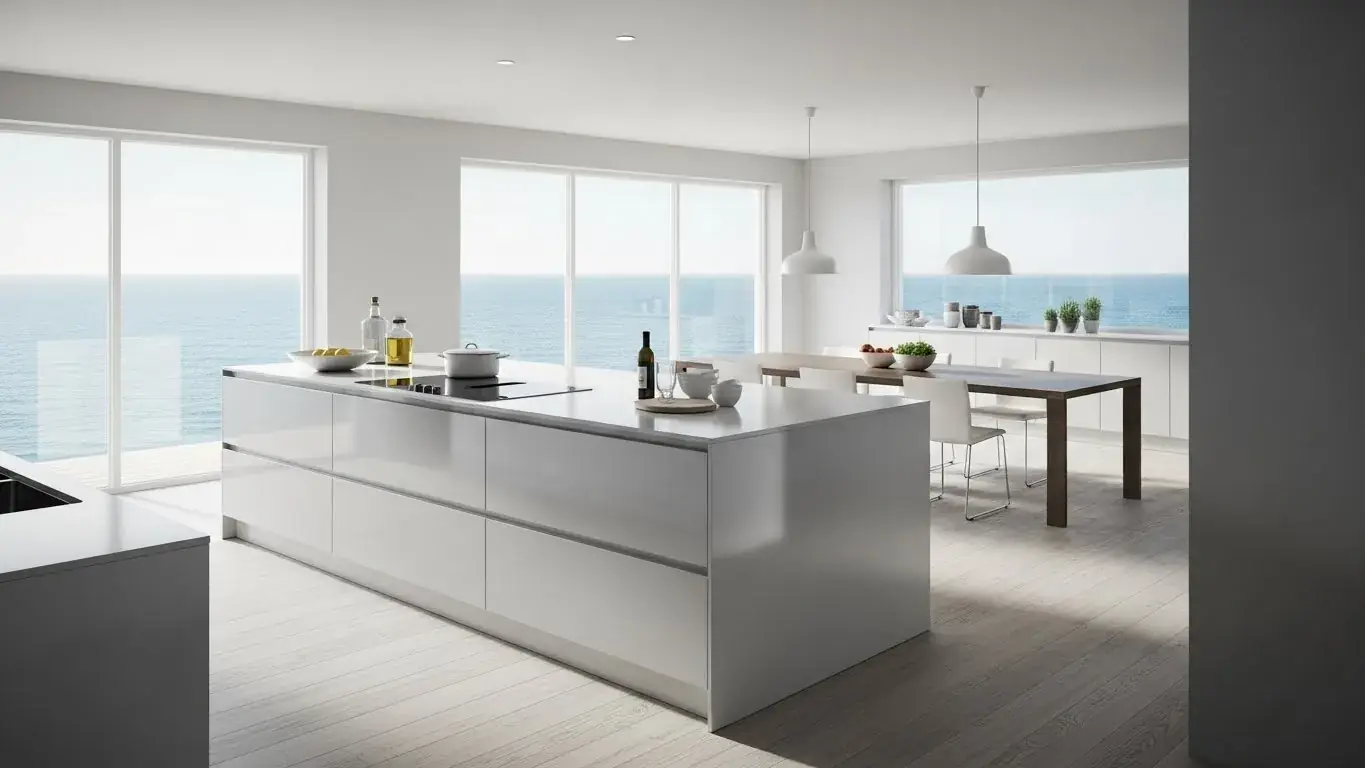
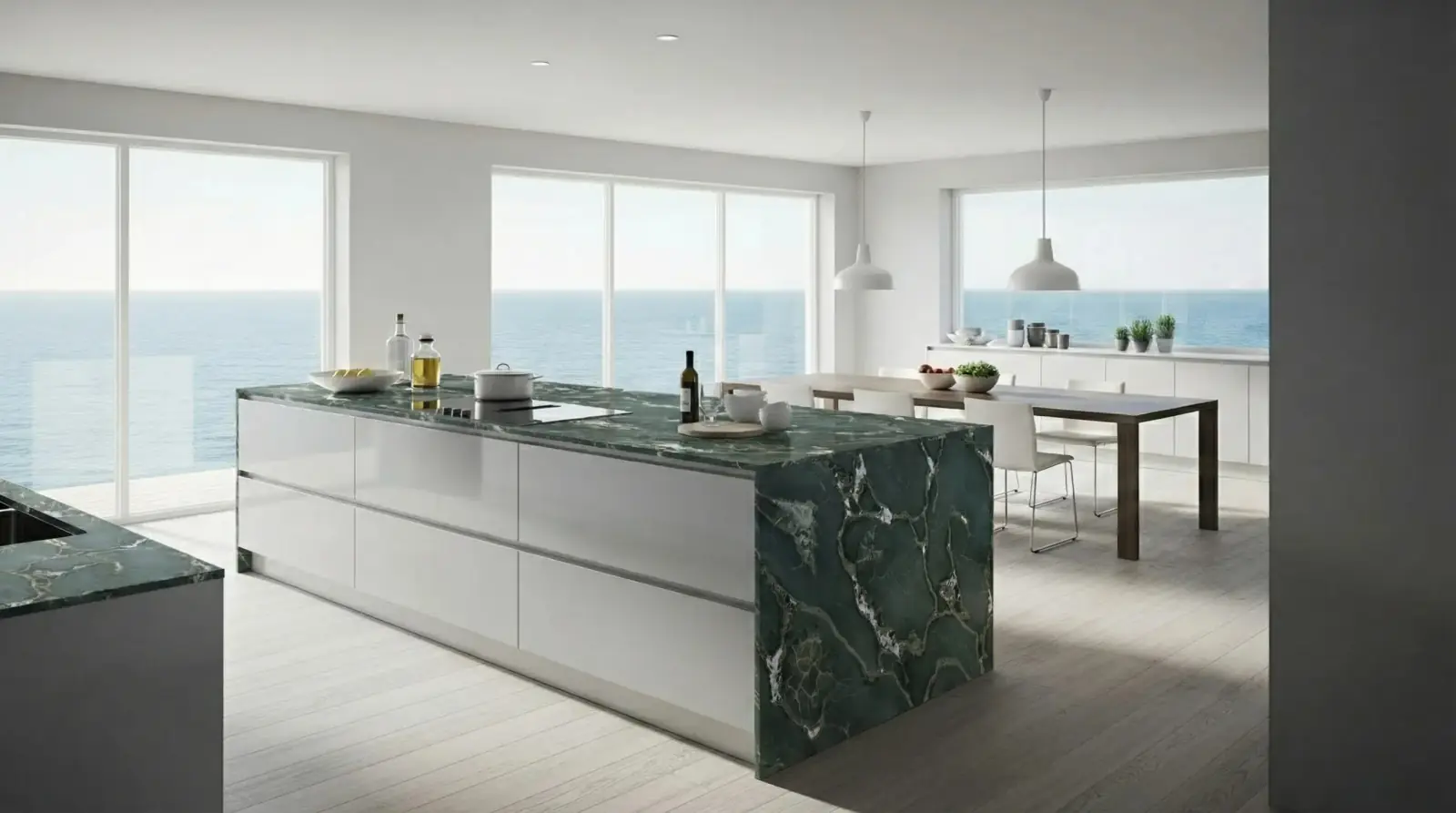
Quartzite kitchen island
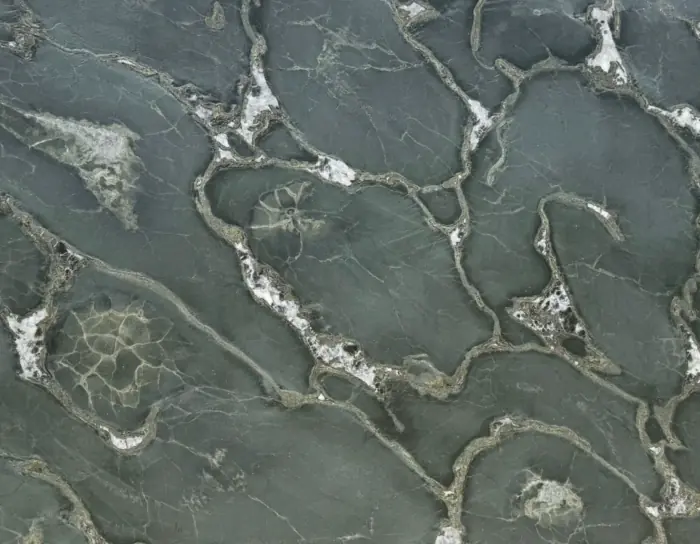
A stone sample applied to a kitchen island while preserving the surrounding room.
Safari Green Quartzite / Kitchen island
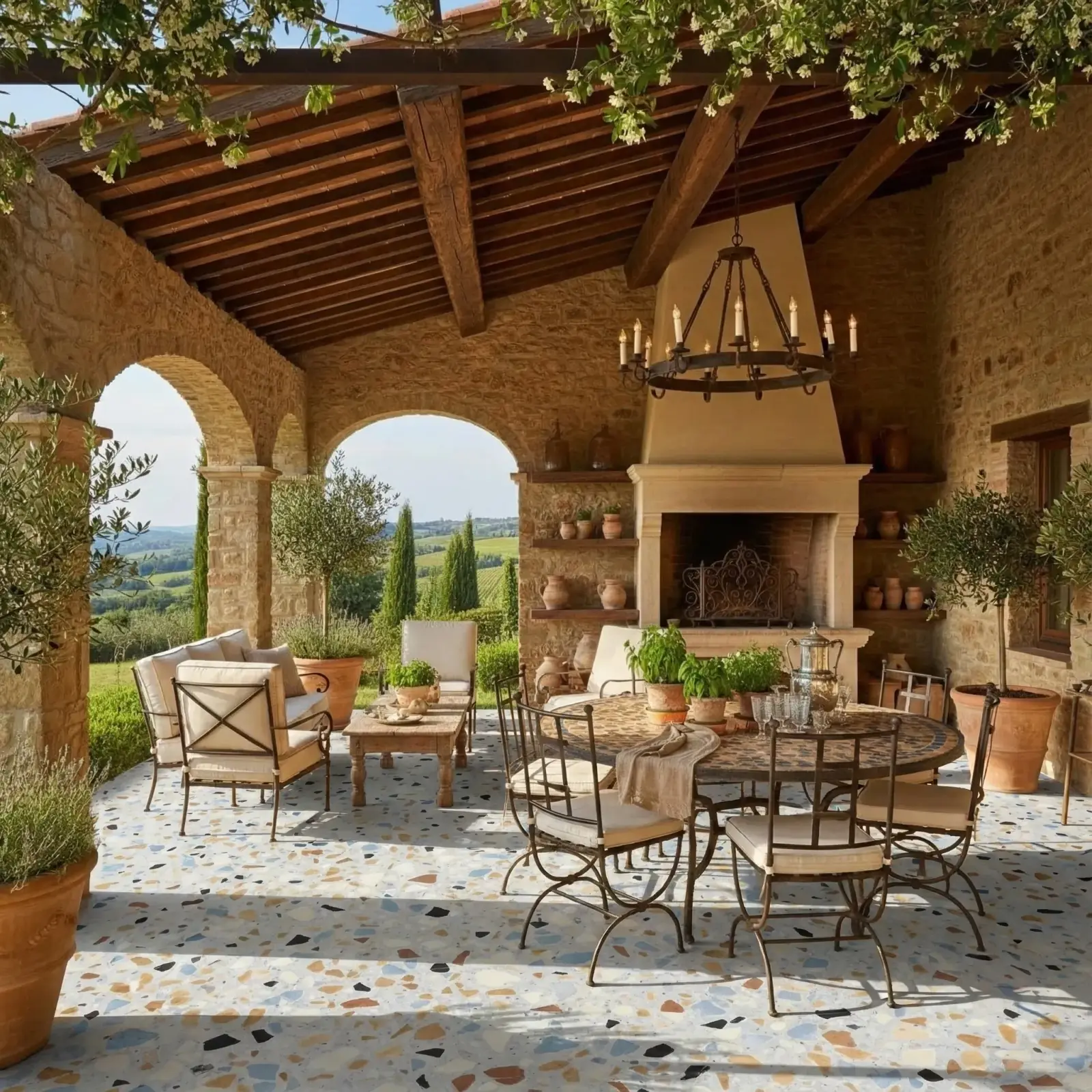
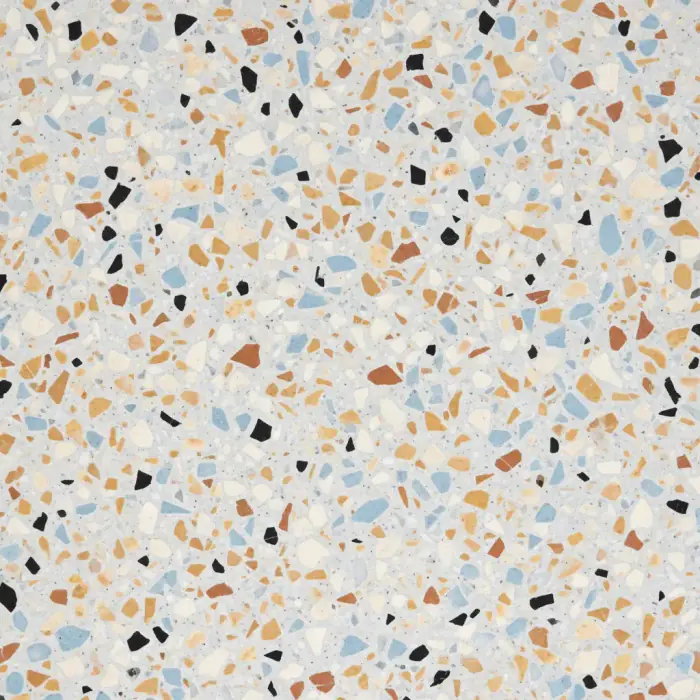
Terrazzo patio floor
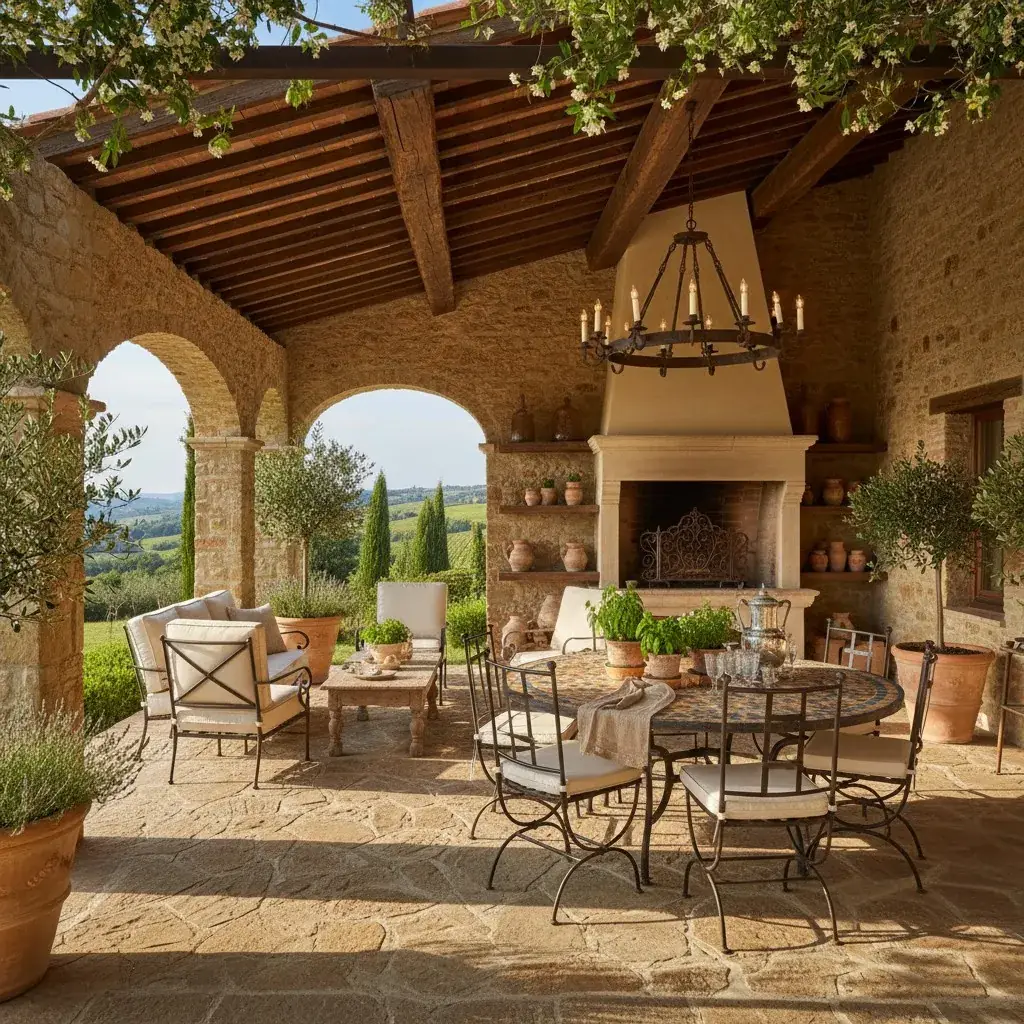
Terrazzo applied to a Tuscan patio floor.
Terrazzo / Patio floor
Questions
Can RenoViz visualize a kitchen island material?
Yes. Upload a kitchen photo, add a material sample, and choose the island or another target surface for visualization.
Related pages
Try this workflow
Use RenoViz to compare material directions in a real room photo, then confirm final choices with samples and professional review.