Designers, renovators, and tile retailers
Tile visualizer for real room photos
Preview tile samples on floors, walls, patios, and splash areas before narrowing the final material choice.
Compare tile in context
Tile decisions depend on pattern scale, room lighting, furniture, grout, and the surrounding palette. RenoViz helps compare direction early.
Check the real sample before ordering
Use the visualization to narrow options, then confirm color, finish, slip rating, grout, and installation details with physical samples.
Visual examples
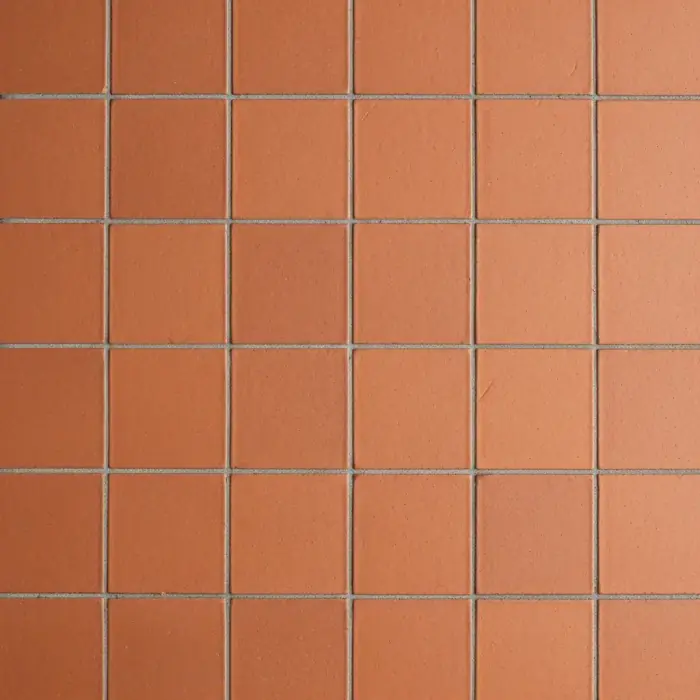
Terracotta tile floor
A tile sample applied to a floor surface in a covered patio photo.
Terracotta tile / Floor


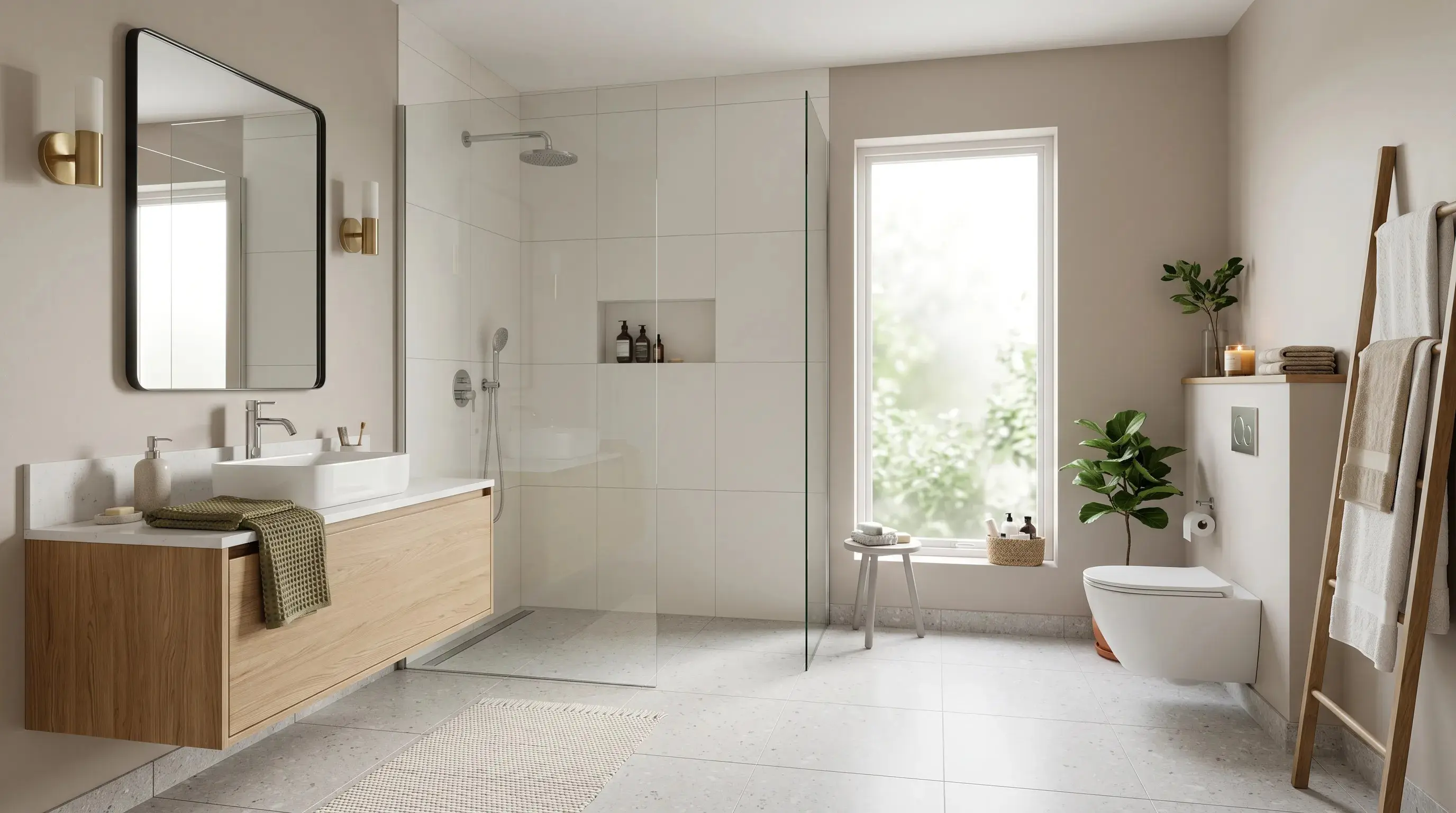
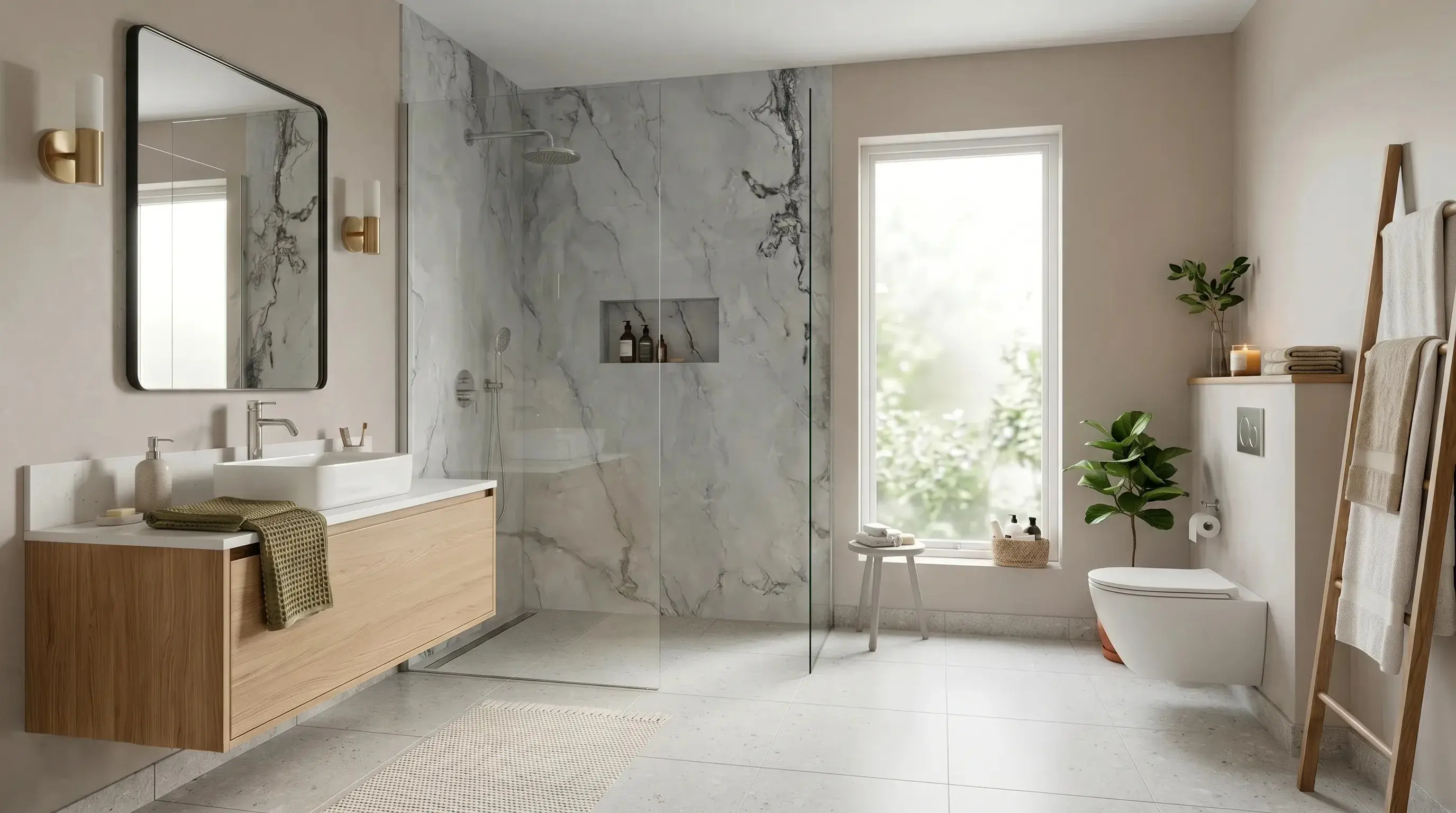
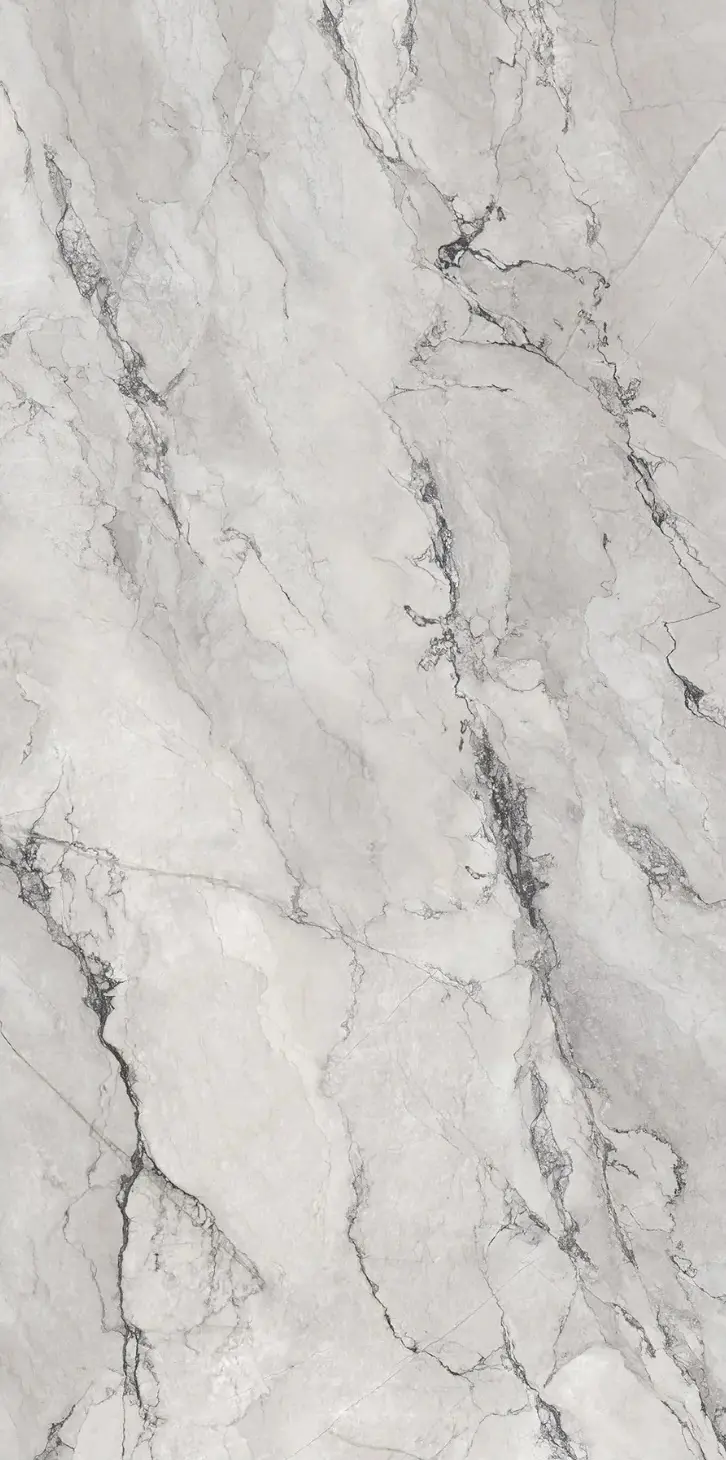
Calacatta marble bathroom wall
A Calacatta marble sample applied to a bathroom wall while preserving fixtures and lighting.
Calacatta marble / Bathroom wall
Questions
Can RenoViz show exact grout lines?
RenoViz can communicate the visual direction, but detailed grout layout and installation specs should be confirmed separately.
Related pages
Try this workflow
Use RenoViz to compare material directions in a real room photo, then confirm final choices with samples and professional review.