Designers, renovators, and stone suppliers
Stone visualizer
Compare stone directions in real room photos before narrowing your shortlist.
Preview stone in the real room
Stone choices change with surrounding cabinetry, light, flooring, and edge conditions. RenoViz applies a stone sample to a chosen surface so the decision is anchored to the actual room photo.
- Visualize stone on kitchen islands, counters, feature walls, vanities, or splash areas.
- Keep cabinets, floors, appliances, and lighting visible for context.
- Use My Captures to save showroom slab photos and material info cards together.
Keep supplier details attached
Stone decisions often depend on slab name, size, finish, price, batch, and supplier code. Capture the material and the info card so the visual shortlist can still be traced when a client asks for pricing or availability.
Confirm before specification
Use the visualization to narrow the direction, then confirm slab availability, veining, edge detail, sealing, installation limits, and final cost with the supplier or fabricator.
Visual examples
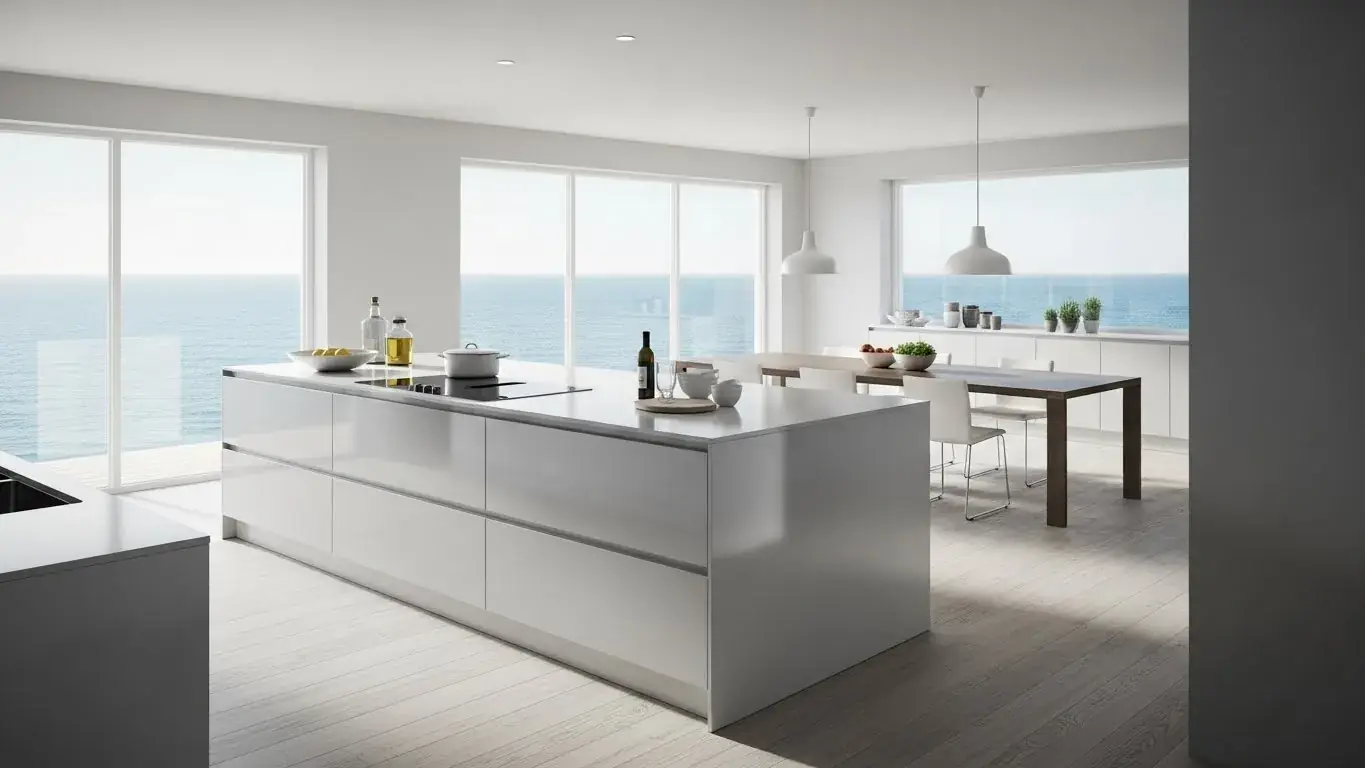
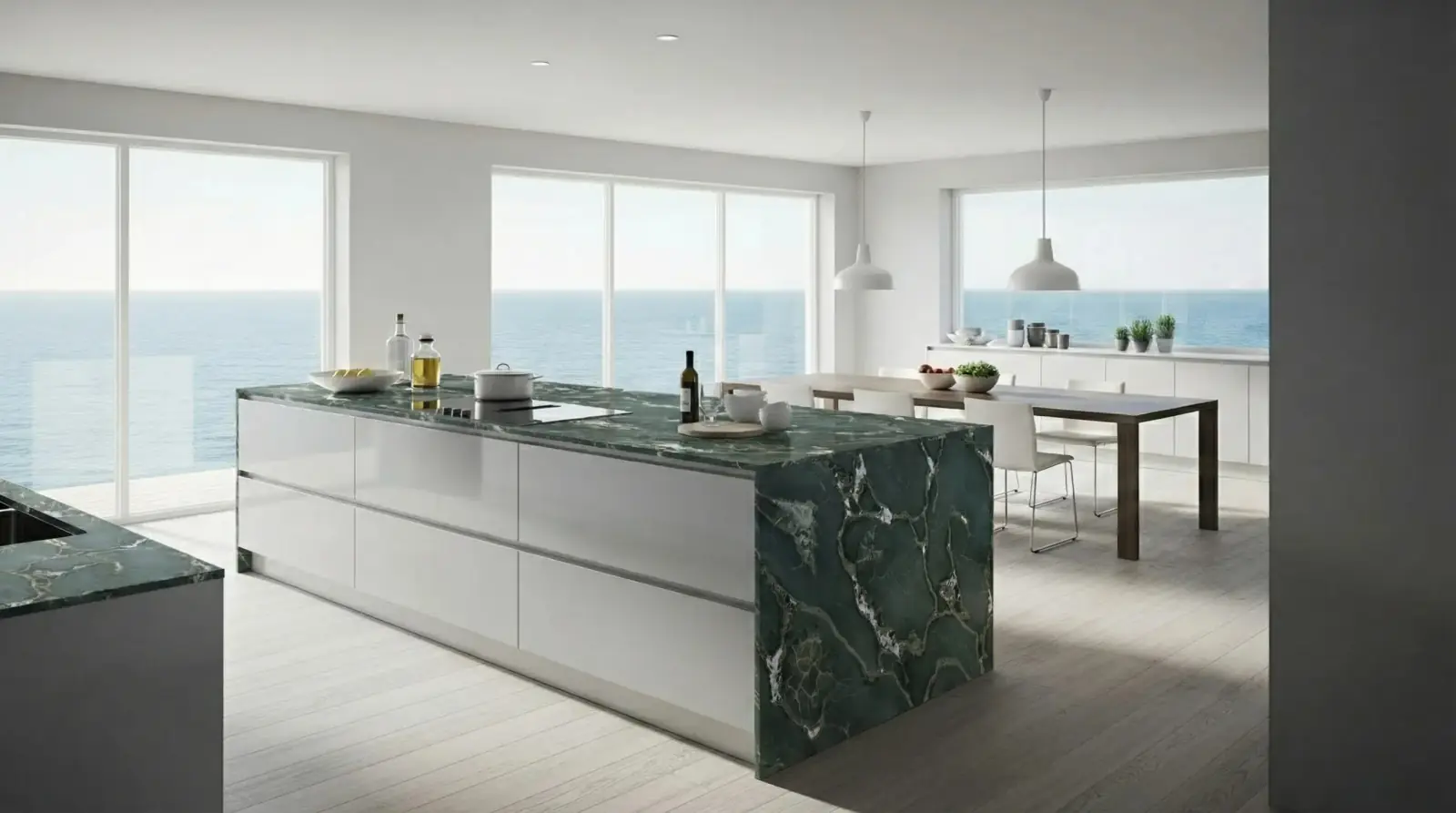
Quartzite kitchen island
Safari Green Quartzite applied to a kitchen island while preserving the surrounding room context.
Safari Green Quartzite / Kitchen island

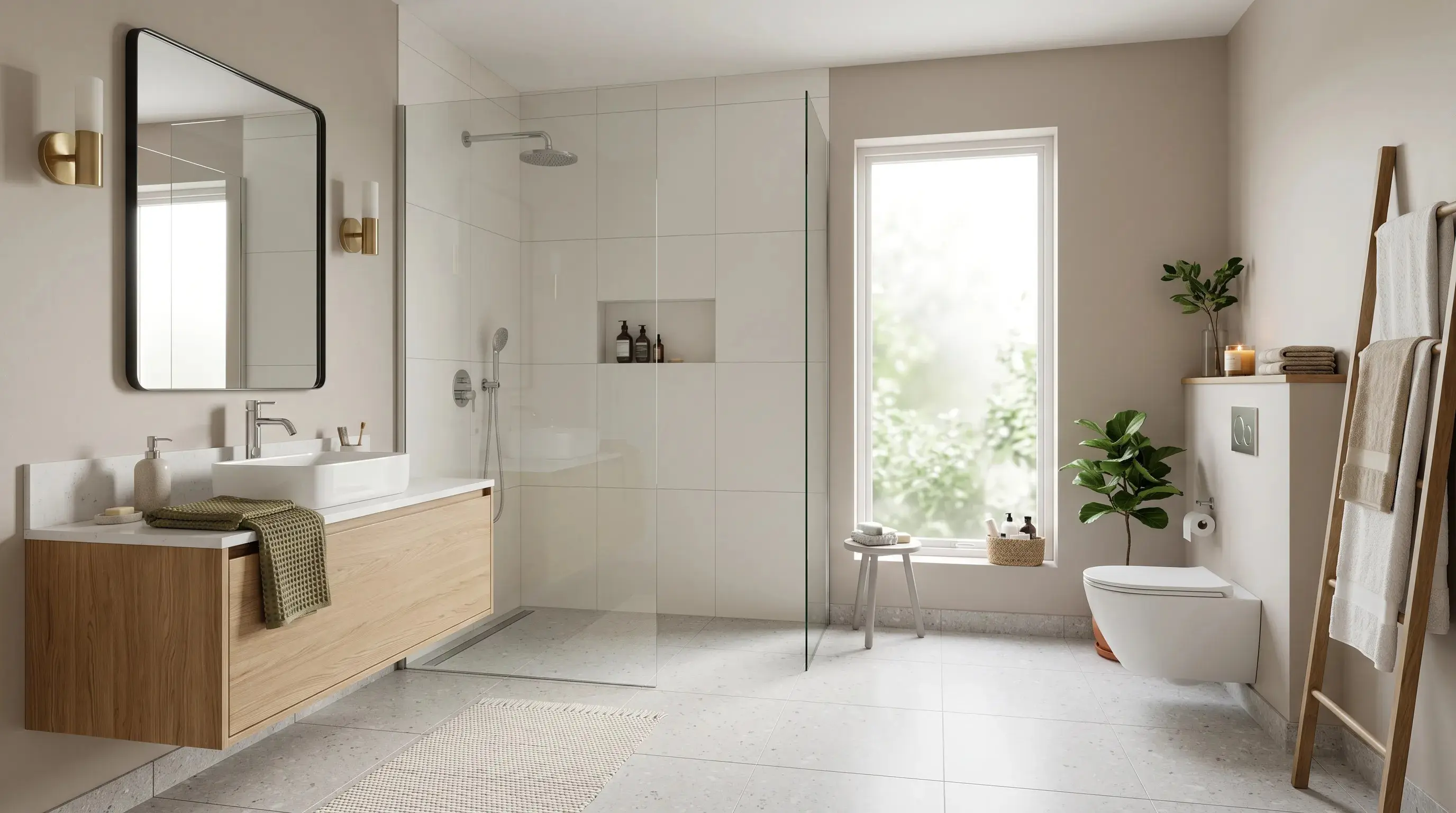
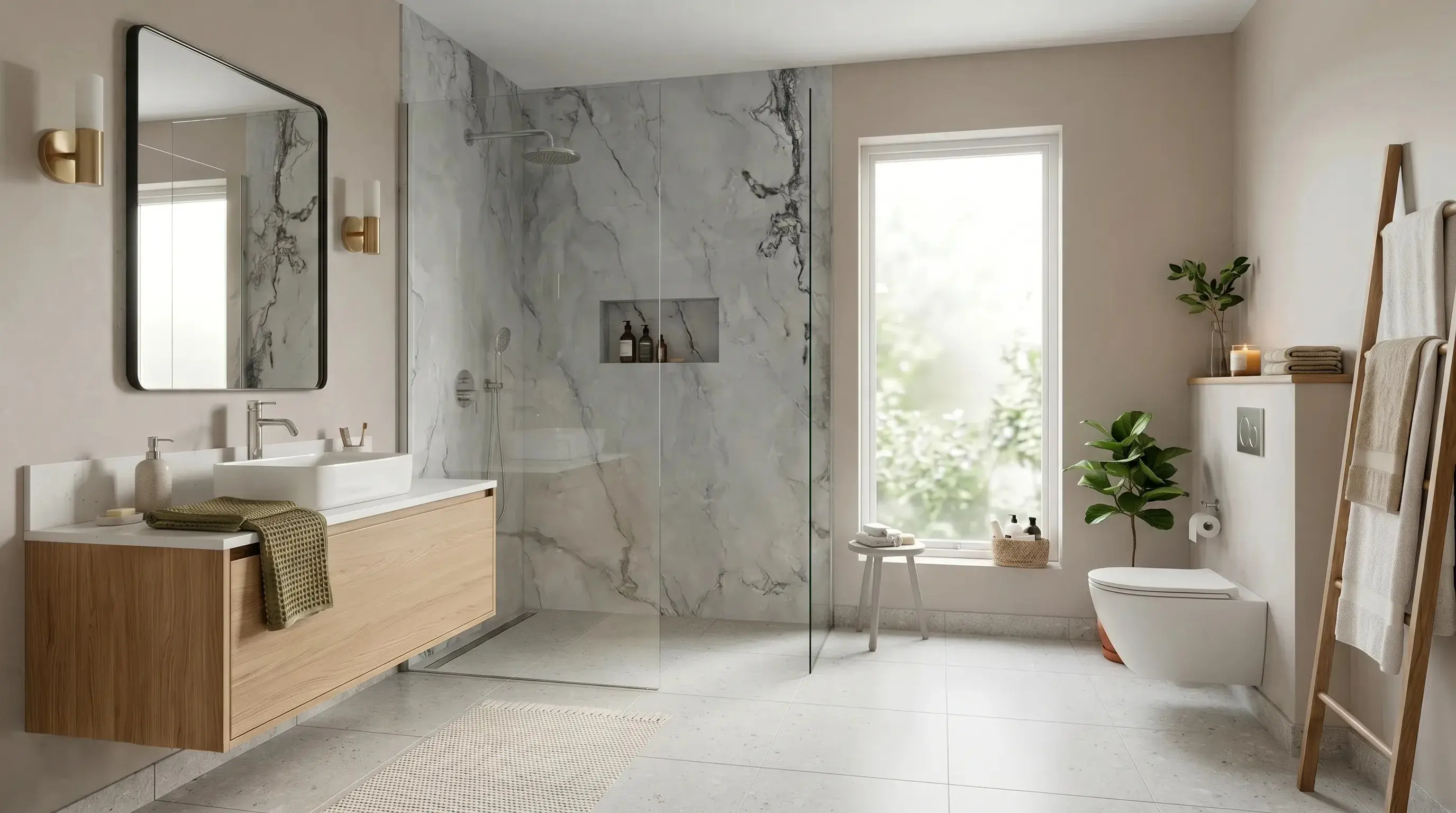
Calacatta marble bathroom wall
Calacatta marble visualized on a bathroom wall where veining, tone, and nearby fixtures affect the decision.
Calacatta marble / Bathroom wall

Questions
Can RenoViz visualize stone on a kitchen island?
Yes. Upload the kitchen photo, add the stone sample, and choose the island or counter as the target surface.
Does a stone visualization show exact veining?
No. It helps compare visual direction, but exact veining, slab movement, seams, and edge details must be confirmed from the real slab and fabrication plan.
What should I capture with a stone sample?
Capture the stone close-up and the supplier info card so the material name, size, finish, price, and product code stay available for follow-up.
Related pages
Try this workflow
Use RenoViz to compare material directions in a real room photo, then confirm final choices with samples and professional review.